
Free WAV to M4A Converter
Fast & Free WAV to M4A Converter Online
You need a reliable way to convert WAV to M4A? Our high speed WAV to M4A converter is designed to provide high-fidelity audio results with zero hassle. Whether you need a WAV to M4A converter free of charge or a tool to convert WAV to M4A Mac compatible files, our platform offers a seamless, browser-based solution. No installation required, just upload and convert!
Convert WAV to M4A or 300+ Other Formats in Batches
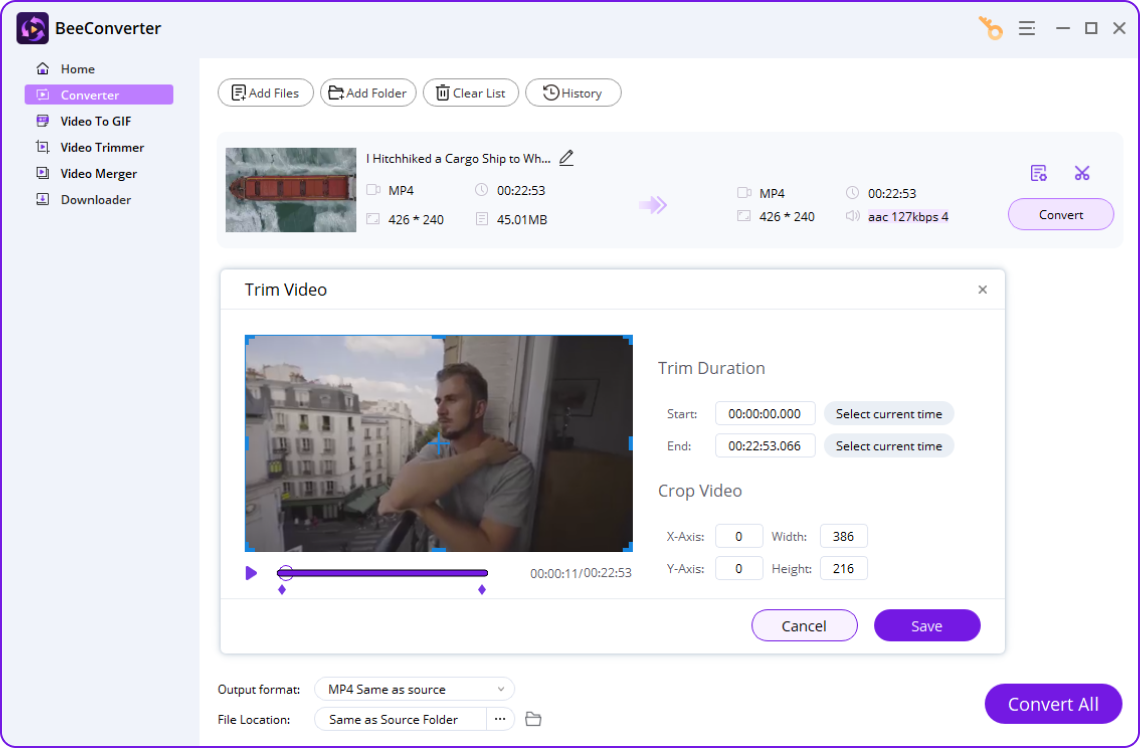


- Convert files to 300+ formats at 60X speed
- Convert multiple files in a batch
- Save 320K MP3 & 4K video from 1,000+ sites
- Compress large files without losing quality
How to Convert WAV to M4A Online
-
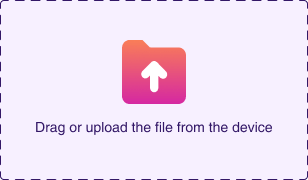
1. Upload the WAV video
Click the Upload icon to add WAV audio or drag your files to our page.
-
2. Select the M4A Format
Pick the M4A format as the output format from the audio format list.
-
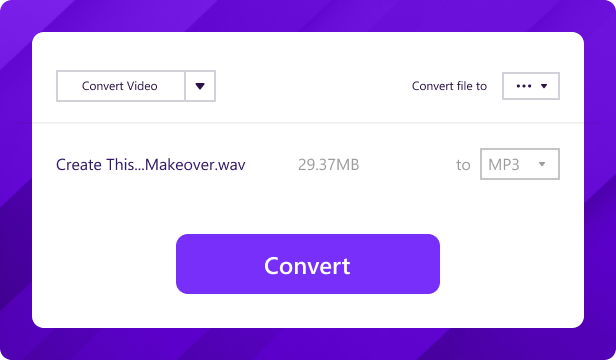
3. Start the Conversion
Tap the Convert button to get the M4A files you want in seconds.

Details on WAV and M4A File Formats
| Platform |
.wav WAV Converter |
|---|---|
| Description | WAV, stands for Waveform Audio File Format, is a high-quality audio file format commonly used for professional applications. It maintains original recording fidelity but tends to have larger file sizes due to uncompressed PCM encoding. |
| Associated programs |
FL Studio Windows Media Player VLC Media Player Adobe Audition |
| MIME Type | audio/wav or audio/x-wav |
| File extension |
.m4a M4A Converter |
|---|---|
| Description | M4A is an audio file format that uses AAC (Advanced Audio Coding) compression to provide high-quality audio in a much smaller file size compared to uncompressed formats. It is widely used for storing music and podcasts, especially on Apple devices. |
| Associated programs |
iTunes Windows Media Player VLC Media Player QuickTime |
| MIME Type | audio/mp4 or audio/m4a |
Key Features of Our Online WAV to M4A Converter
-
Convert WAV to M4A Free
Enjoy a truly WAV to M4A converter free of charge. Our service allows you to convert WAV to M4A free without any hidden costs, providing a premium experience for every user.
-
Supreme Audio Quality
Our advanced WAV to M4A converter ensures minimal quality loss. We use high-bitrate encoding to convert WAV to M4A while preserving the original crispness of your audio.
-
Support All Devices
Easily convert WAV to M4A Mac, Windows, or Linux. As a browser-based tool, it works perfectly on mobile and desktop, making it the most flexible WAV to M4A converter available.
-
Safe & Private Conversion
Your security matters. When you convert WAV to M4A, all files are encrypted and automatically deleted from our servers after the process, ensuring a 100% safe conversion.
-
Blazing-Fast Speed
Don't wait for slow tools. Our engine is optimized to convert WAV to M4A in the blink of an eye. It's designed for those who need a fast, professional WAV to M4A converter.
-
No Signup Required
Experience a simple operation with no registration. You can start to convert WAV to M4A immediately without filling out forms or creating an account. Just upload and go!
More Popular Conversions
- Convert to MP3
- MOV to MP3
- WAV to MP3
- MP4 to MP3
- WebM to MP3
- OGG to MP3
- M4A to MP3
- Audio to MP3
- Convert from WAV
- WAV to MP3
- WAV to M4A
Frequently Asked Questions
-
What is the difference between WAV & M4A files?
WAV is an uncompressed audio format that offers maximum quality but results in very large file sizes. In contrast, M4A uses AAC compression to provide high-quality audio in a much smaller footprint. Many users choose to convert WAV to M4A to save storage space on their devices while maintaining excellent sound fidelity for music and podcasts.
-
How do I convert a WAV file to an M4A file?
It is incredibly easy to convert WAV to M4A using our online WAV to M4A converter. Simply upload your WAV file, select M4A as the target format, and click "Convert." Our system will process the file instantly. This method is the fastest way to how to convert WAV to M4A without installing any heavy software on your computer.
-
What is the best online WAV to M4A converter?
The best WAV to M4A converter should be fast, high-quality, and completely free. Our platform is widely considered a top-tier WAV to M4A converter free service because it supports batch processing and ensures no significant loss in audio quality. Whether you need to convert WAV to M4A Mac or Windows, our browser-based tool delivers professional results every time.
-
Is it safe to convert my WAV files to M4A here?
Yes, it is 100% safe. We prioritize your privacy when you convert files on our online WAV to M4A converter. All uploaded files are protected by SSL encryption and are automatically deleted from our servers shortly after the conversion is finished. Unlike some WAV to M4A converter apps, we do not store your data or require any personal information.
How Would You Rate Us?
Please rate us 5 stars if you like online WAV to M4A converter!
322 reviews
Last updated: 2026-03-20
